


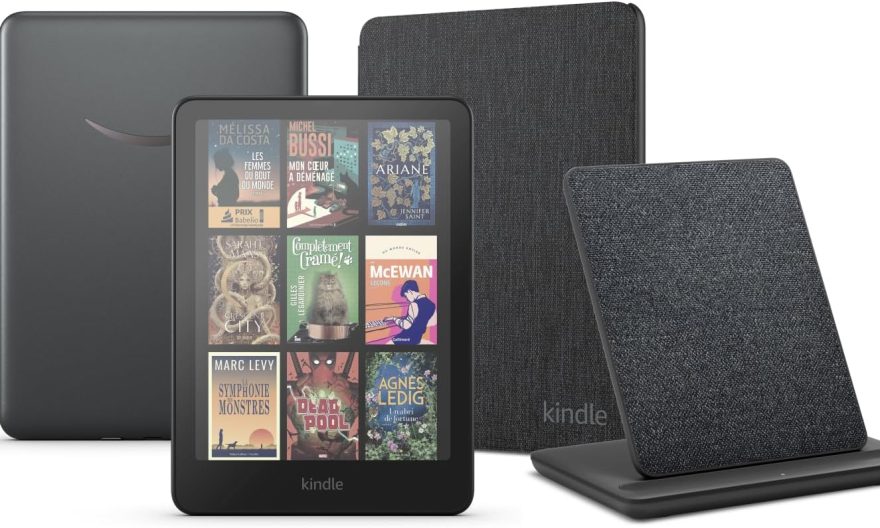
In an era where electronic devices are diversifying, the Kindle e-reader stands out for its ability to offer much more than just reading ebooks. Thanks to ReKindle, a new store accessible directly from your Kindle, you can now enjoy a multitude of free applications without compromising your device’s warranty. Dive into this innovation that transforms your reading experience.
The essentials to remember
- ReKindle allows access to a variety of applications and games directly from your Kindle, without the need for jailbreaking or system modification.
- The platform offers a minimalist interface adapted to e-ink screens and is accessible via a web browser, compatible with multiple devices.
- ReKindle offers a free mode and a premium mode with additional features for 2 dollars per month.
Features of ReKindle on Kindle
ReKindle offers a wide range of applications directly accessible from your Kindle. Without needing to install anything, this web platform optimizes the built-in browser to transform your e-reader into a true dashboard. You will find productivity tools, games, and even messaging. This ability to extend the functionalities of a device initially designed for reading is a significant advancement.
The ReKindle interface is designed to adapt to e-ink screens, using grayscale for an optimal visual experience. Tabs such as Essentials, Tools, Lifestyle, and Games allow easy navigation between the different available applications, like a notepad, a reading tracker, or even Google Tasks and Google Calendar.
Un vide-dressing occasionnel rapporte rarement plus de 200 € par mois. Mais l'écart avec les vendeurs les plus performants est plus large qu'on ne le pense : 300 à 900 €/mois pour une activité régulière (2 à 5h/semaine), et 1 000 à 2 500 €+/mois pour les profils qui traitent Vinted comme un vrai canal de vente structuré. La différence ne tient ni à la chance ni à la taille du dressing de départ : elle tient presque entièrement à la méthode (algorithme, pricing, réactivité) appliquée avec régularité.
Avec 📘 Le Guide Vinted, transformez ce canal en revenu complémentaire structuré, voire en une vraie activité e-commerce.
Une méthode complète pour décoder l'algorithme, optimiser vos annonces comme une landing page, automatiser votre relance commerciale et sécuriser votre activité sur le plan fiscal.
🧠 Les 5 facteurs qui pilotent la visibilité de vos annonces (logique proche du SEO)
📈 Une méthode réplicable pour passer d'une activité occasionnelle à un revenu récurrent
⚖️ Statut, fiscalité, professionnalisation : rester en règle en montant en volume
🚫 Le chapitre que personne n'aborde ailleurs : comprendre et prévenir les blocages de compte
Extended compatibility and simplified use
ReKindle is not limited to Kindle devices. This platform is also compatible with other e-ink readers, such as Kobo and Boox, and can even be used on a computer or smartphone via a web browser. Two usage modes are offered: a guest mode, which keeps data locally, and a cloud mode that allows synchronization across multiple devices.
To enjoy ReKindle, simply access the experimental browser on your Kindle and enter the address rekindle.ink. Without requiring account creation, the platform loads directly in the browser, making its use simple and quick.
Available applications and premium options
ReKindle offers a variety of applications ranging from calendars and messaging services to games like Minesweeper and Sudoku. There are also educational tools such as Wikipedia and a translator, as well as entertainment options like a manga reader and a version of Doom.
For those who wish to go further, the ReKindle+ subscription offers additional features, such as an AI assistant, the Quick ToDo app with OCR, and integration of services like Dropbox. These premium options are available for 2 dollars per month, 15 dollars per year, or 30 dollars for lifetime access, while keeping the basic functions free.
The prospects for application development on e-readers in 2026
In 2026, the development of applications for e-readers like Kindle continues to evolve, building on innovations like ReKindle. The increasing integration of features, once reserved for tablets, transforms e-readers into versatile tools suited to various needs. The improvement of the user experience, notably through the optimization of e-ink screens and increased compatibility with other devices, promises to make these devices even more attractive to an audience in search of simplicity and efficiency.